
Build It Website: A Complete Guide for 2026
The digital landscape of 2026 demands more than just an online presence. Every business needs a website that performs flawlessly across devices, ranks prominently in search results, and converts visitors into customers. When you decide to build it website that truly serves your business goals, you're making a strategic investment in your company's future. This comprehensive guide walks through the essential elements, modern best practices, and proven strategies that separate mediocre websites from high-performing digital assets that drive measurable results.
Understanding Modern Website Requirements
Building a website in 2026 means meeting elevated user expectations and technical standards. Visitors now expect lightning-fast load times, seamless mobile experiences, and intuitive navigation. Search engines, including AI-powered platforms, evaluate websites through sophisticated algorithms that prioritize user experience alongside content quality.
Speed and Performance Metrics
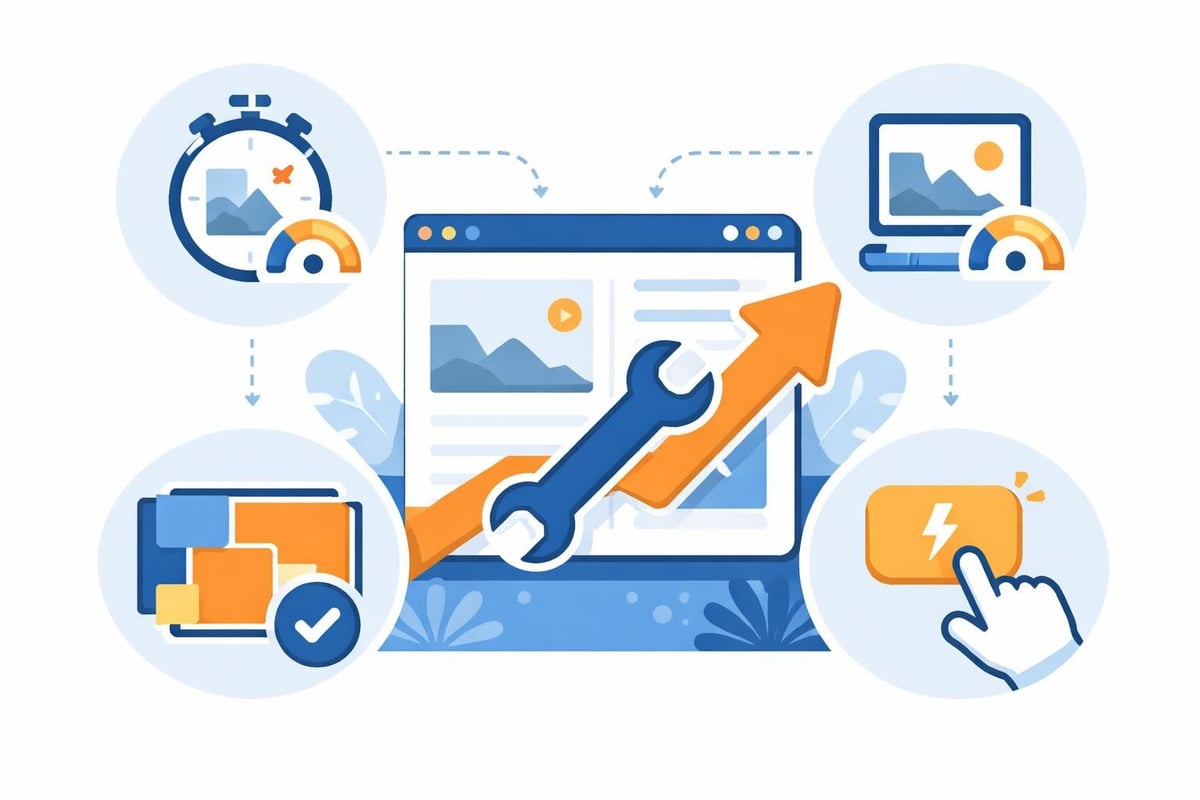
Website speed directly impacts both user satisfaction and search rankings. Research consistently shows that pages loading in under two seconds retain significantly more visitors than slower alternatives.
Critical performance benchmarks include:
- First Contentful Paint under 1.8 seconds
- Largest Contentful Paint under 2.5 seconds
- Cumulative Layout Shift below 0.1
- First Input Delay under 100 milliseconds
These Core Web Vitals represent the baseline for competitive websites. When you build it website with performance as a priority, you reduce bounce rates and improve conversion opportunities. Modern development frameworks and optimized hosting environments make achieving these metrics more accessible than ever before.
Mobile-First Design Philosophy
Over 60% of web traffic now originates from mobile devices. The mobile-first approach to web design ensures your site delivers exceptional experiences regardless of screen size. This methodology starts with mobile layouts and progressively enhances for larger displays, rather than attempting to compress desktop designs into smaller viewports.
Responsive design elements require careful consideration:
| Design Element | Mobile Consideration | Desktop Adaptation |
|---|---|---|
| Navigation | Hamburger menus, touch targets 44px+ | Expanded horizontal menus |
| Typography | 16px minimum, increased line height | Flexible scaling, enhanced hierarchy |
| Images | Optimized file sizes, lazy loading | Higher resolution, decorative elements |
| Forms | Minimal fields, auto-complete enabled | Multi-column layouts, inline validation |
Strategic Planning Before Development
Successful websites begin with comprehensive planning that aligns technical capabilities with business objectives. Rushing into development without clear goals inevitably leads to costly revisions and underwhelming results.
Defining Clear Objectives
Every website serves specific purposes. E-commerce platforms prioritize conversion optimization, while service-based businesses emphasize lead generation and credibility building. When you build it website without defined objectives, measuring success becomes impossible.
Start by identifying your primary goals:
- Lead generation through contact forms and calls to action
- Brand awareness via compelling storytelling and visual identity
- E-commerce sales with streamlined purchasing processes
- Information distribution through organized content architecture
- Community building using interactive features and engagement tools
Document these objectives with measurable key performance indicators. Setting benchmarks for traffic, conversion rates, and engagement metrics provides accountability throughout the development process and beyond launch.
Audience Research and User Personas
Understanding your target audience shapes every design decision. Create detailed user personas representing your ideal customers, including demographic information, pain points, online behavior patterns, and decision-making criteria. These personas guide content strategy, visual design, and functionality prioritization.
Effective user research methods include customer interviews, analytics review, competitor analysis, and user testing sessions. The insights gathered inform information architecture that matches how visitors naturally seek information. Building websites with intuitive navigation significantly improves user satisfaction and completion of desired actions.
Design Principles That Convert
Visual design extends beyond aesthetics to encompass user psychology, brand communication, and conversion optimization. Professional design instantly communicates credibility and positions your business as an industry authority.
Visual Hierarchy and White Space
Strategic use of white space guides visitor attention toward priority elements. Crowded layouts overwhelm users and dilute your message. Effective hierarchy uses size, color, contrast, and positioning to create clear pathways through content.
Essential hierarchy techniques:
- Dominant headlines using 2.5x to 3x body text size
- Strategic color contrast highlighting calls to action
- Generous padding separating distinct content sections
- Consistent alignment creating visual rhythm
The human eye naturally follows established patterns, typically scanning in F or Z shapes. Position critical information and conversion elements within these high-attention zones. When you build it website considering these patterns, you increase engagement with key messages and improve overall effectiveness.
Color Psychology and Brand Consistency
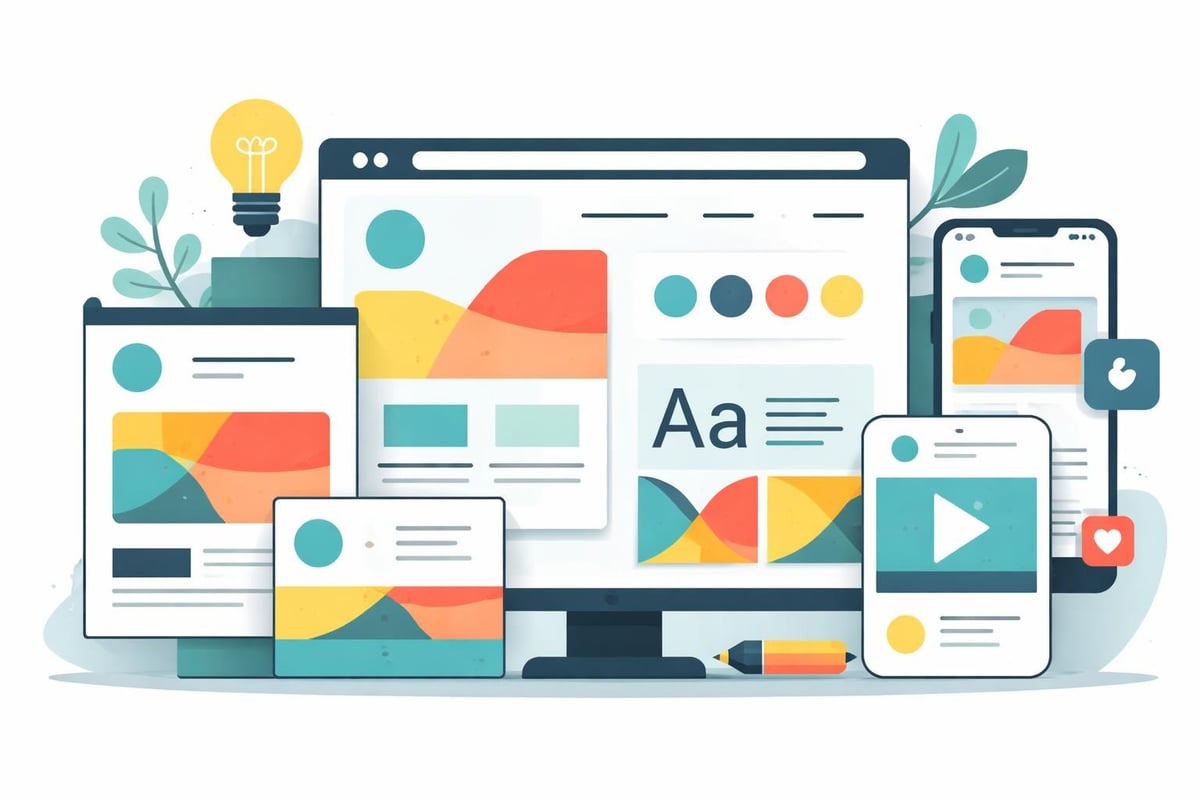
Color choices profoundly influence emotional responses and brand recognition. Financial institutions typically use blue to convey trust and stability, while restaurants often employ red and orange to stimulate appetite. Your color palette should align with your brand personality and industry expectations while maintaining sufficient contrast for accessibility.
Maintain consistency across all brand touchpoints. Your website should seamlessly reflect the visual identity established in logos, marketing materials, and physical spaces. Developing cohesive branding strengthens recognition and reinforces professional credibility across every customer interaction.
Technical Foundation and Architecture
The underlying technical infrastructure determines long-term scalability, maintenance requirements, and performance capabilities. Selecting appropriate technologies requires balancing current needs with future growth potential.
Platform Selection Considerations
Multiple website building approaches exist, each offering distinct advantages and limitations. Custom development provides maximum flexibility but requires significant investment. Content management systems like WordPress balance customization with user-friendly management. Website builders offer rapid deployment with constrained customization options.
| Platform Type | Best For | Limitations | Typical Timeline |
|---|---|---|---|
| Custom Code | Complex functionality, unique requirements | Higher cost, technical expertise needed | 3-6 months |
| CMS (WordPress, Drupal) | Content-heavy sites, blog integration | Plugin dependencies, security maintenance | 6-12 weeks |
| Website Builders | Simple sites, rapid launch | Limited customization, scalability concerns | 2-4 weeks |
| E-commerce Platforms | Online stores, product catalogs | Transaction fees, template constraints | 8-16 weeks |
Security and Compliance Standards
Website security protects both your business and customer data. Implementing SSL certificates encrypts data transmission and signals trustworthiness to visitors and search engines. Regular software updates patch vulnerabilities before exploitation. Backup systems ensure rapid recovery from potential incidents.
Compliance requirements vary by industry and location. GDPR, CCPA, and similar regulations mandate specific data handling practices. Healthcare providers must ensure HIPAA compliance, while e-commerce sites require PCI DSS adherence for payment processing. Understanding applicable regulations before you build it website prevents costly retrofitting and potential legal consequences.
Content Strategy and SEO Integration
Exceptional design means nothing without compelling content that addresses visitor needs and ranks prominently in search results. Optimizing content for search engines requires understanding both technical requirements and user intent.
Keyword Research and Implementation
Effective keyword strategy balances search volume with competition levels and purchase intent. Target a mix of high-volume competitive terms, mid-tier opportunity keywords, and long-tail specific phrases. This diversified approach builds authority while capturing ready-to-convert searchers.
Implement keywords naturally throughout:
- Page titles and meta descriptions
- Heading tags (H1, H2, H3)
- Body content without forced repetition
- Image alt text descriptors
- URL structures
When you build it website with strategic keyword placement, you improve discoverability without sacrificing readability. Search engines increasingly prioritize content quality and user satisfaction over keyword density alone.
Content Structure and Readability
Online readers scan rather than reading word-for-word. Structure content for easy scanning using descriptive headings, short paragraphs, bullet points, and visual breaks. Best practices for web design emphasize readability as essential for both user experience and search performance.
Aim for eighth-grade reading level for broad accessibility. Tools like Hemingway Editor identify complex sentences and suggest simplifications. Clear, concise writing respects visitor time while effectively communicating your message. Supplement text with images, videos, infographics, and other visual elements that reinforce key concepts and maintain engagement.
Conversion Optimization Strategies
Attracting visitors represents only half the equation. Converting those visitors into customers, subscribers, or leads determines actual business impact. Systematic optimization increases conversion rates and maximizes return on your website investment.
Effective Call-to-Action Design
Calls to action (CTAs) guide visitors toward desired next steps. Effective CTAs combine strategic placement, compelling copy, and visual prominence. Test different variations to identify what resonates with your specific audience.
CTA optimization checklist:
- Use action-oriented language ("Get Started," "Schedule Consultation")
- Create urgency when appropriate ("Limited Time Offer")
- Ensure visual contrast from surrounding elements
- Position above the fold and at natural decision points
- Minimize required fields in associated forms
When you build it website with conversion as a priority, every page serves a strategic purpose within your customer journey. Map out typical paths from initial landing through conversion, removing friction points and reinforcing value propositions at each stage.
Trust Signals and Social Proof
Visitors need reassurance before taking action, especially for first-time interactions. Trust signals reduce perceived risk and validate your credibility. Display customer testimonials, case studies, industry certifications, security badges, and media mentions prominently throughout your site.
Showcasing successful projects demonstrates your capabilities through tangible results. Detailed case studies walk prospects through your process, highlighting expertise and problem-solving abilities. Video testimonials prove particularly persuasive, offering authentic endorsements from satisfied customers.

Performance Optimization Techniques
Initial performance matters, but sustained speed requires ongoing optimization. Regular audits identify new opportunities as content grows and technologies evolve.
Image Optimization and Lazy Loading
Images typically represent the largest performance bottleneck. Optimize all images before upload using compression tools that reduce file size without visible quality loss. Modern formats like WebP offer superior compression compared to traditional JPG and PNG files.
Implement lazy loading to defer off-screen image loading until users scroll toward them. This technique dramatically improves initial page load times, especially for image-heavy pages. Specify image dimensions in code to prevent layout shifts as images load.
Code Minification and Caching
Minification removes unnecessary characters from code files without affecting functionality. Whitespace, comments, and verbose variable names increase file sizes unnecessarily. Automated minification tools compress CSS, JavaScript, and HTML during the build process.
Browser caching stores static resources locally, eliminating repeated downloads for returning visitors. Configure appropriate cache durations balancing freshness with performance. High-performing websites in 2026 leverage advanced caching strategies including service workers and edge computing for optimal delivery speeds.
Testing and Quality Assurance
Thorough testing before launch prevents embarrassing errors and ensures consistent functionality across environments. Systematic quality assurance saves time and protects your professional reputation.
Cross-Browser and Device Testing
Users access websites through countless device and browser combinations. Test your site across major browsers (Chrome, Safari, Firefox, Edge) on both desktop and mobile devices. Pay special attention to older browser versions still in common use within your target demographic.
Responsive design testing requires checking multiple breakpoints, not just phone and desktop extremes. Tablets, small laptops, and various phone sizes each present unique layout challenges. Automated testing tools like BrowserStack streamline this process, but manual testing catches nuances automated systems miss.
Functionality and Form Validation
Every interactive element requires testing. Submit all forms with valid and invalid data to verify proper validation and error messaging. Test contact forms, newsletter signups, search functionality, filters, and any custom features. Broken functionality frustrates users and damages credibility.
Navigation testing ensures every link works correctly and points to intended destinations. Check internal linking structure, external links, downloadable files, and any dynamic content generation. When you build it website with meticulous testing, you demonstrate professionalism and respect for user experience.
Launch Preparation and Post-Launch Monitoring
The transition from development to production requires careful coordination. Proper launch procedures minimize disruption and establish foundations for ongoing success.
Pre-Launch Checklist
Systematic pre-launch review catches issues before public visibility. Create a comprehensive checklist covering technical, content, and legal requirements.
Essential pre-launch items:
- SSL certificate installation and HTTPS enforcement
- Analytics and tracking code implementation
- XML sitemap generation and search engine submission
- 404 error page customization
- Privacy policy and legal pages
- Contact information verification
- Social media integration testing
- Email notification systems
- Backup system configuration
Effective business websites launch with all foundational elements properly configured, enabling immediate performance tracking and user engagement.
Analytics Setup and Goal Tracking
Website analytics transform abstract visitor behavior into actionable insights. Configure tracking before launch to capture complete historical data. Define conversion goals matching your business objectives, whether contact form submissions, phone calls, purchases, or content downloads.
Segment your audience to understand different user groups. Compare new versus returning visitors, traffic sources, geographic locations, and device types. These insights guide optimization priorities and content strategy refinements. Regular reporting keeps stakeholders informed and demonstrates website ROI.
Ongoing Maintenance and Evolution
Websites require continuous attention to maintain performance, security, and relevance. Static sites quickly become outdated as competitor offerings, user expectations, and search algorithms evolve.
Regular Content Updates
Fresh content signals active business operations and provides reasons for repeated visits. Establish consistent publishing schedules for blog posts, case studies, product updates, or industry insights. Regular updates also provide ongoing opportunities to target additional keywords and capture broader search traffic.
Update existing pages periodically to ensure accuracy and relevance. Outdated information erodes trust and confuses potential customers. Review product details, service descriptions, team member bios, and contact information quarterly at minimum. When you build it website with long-term success in mind, you budget for ongoing content development and maintenance.
Performance Monitoring and Optimization
Website performance naturally degrades without active management. New content, additional features, and accumulated data gradually slow load times. Monthly performance audits identify optimization opportunities before they significantly impact user experience.
Monitor uptime to catch and resolve outages quickly. Even brief downtime costs sales and damages search rankings. Professional hosting providers offer 99.9% uptime guarantees with automatic failover systems. Consider managed hosting services that handle technical maintenance, security updates, and performance optimization on your behalf.
For businesses looking to accelerate their website development timeline without sacrificing quality, Creotivity's AI-powered web design services deliver custom, high-performance websites in weeks rather than months by leveraging advanced automation for structural setup and coding tasks. This approach maintains the customization and quality of traditional development while dramatically reducing time to launch.
Accessibility and Inclusive Design
Accessible websites serve all users regardless of disabilities or assistive technology requirements. Beyond ethical considerations, accessibility improves overall usability and expands your potential audience.
WCAG Compliance Standards
Web Content Accessibility Guidelines (WCAG) provide comprehensive standards for inclusive design. Level AA compliance represents the generally accepted baseline, covering text alternatives for images, keyboard navigation, sufficient color contrast, and clear content structure.
Key accessibility requirements include:
| Requirement | Implementation | Impact |
|---|---|---|
| Alt Text | Descriptive image alternatives | Screen reader compatibility |
| Color Contrast | 4.5:1 minimum for body text | Visual impairment accommodation |
| Keyboard Navigation | All functions accessible without mouse | Motor disability support |
| Heading Structure | Logical H1-H6 hierarchy | Screen reader navigation |
| Form Labels | Clear, programmatically associated | Input understanding and validation |
Testing with Assistive Technologies
Automated accessibility checkers identify many issues but cannot catch all problems. Test your site using actual screen readers like NVDA or JAWS to experience navigation as visually impaired users would. Attempt completing key tasks using only keyboard navigation to identify mouse-dependent functionality.
When you build it website with accessibility prioritized from the beginning, remediation costs remain minimal. Retrofitting accessibility into existing sites proves far more expensive and time-consuming than building it correctly initially. Universal design principles benefit all users, not just those with disabilities.
Emerging Technologies and Future Trends
The digital landscape continues evolving rapidly. Staying informed about emerging trends positions your website to capitalize on new opportunities and maintain competitive advantages.
AI and Personalization
Artificial intelligence enables unprecedented personalization capabilities. Dynamic content adapts to individual visitor behavior, preferences, and demographics in real time. Product recommendations, customized messaging, and adaptive layouts increase relevance and conversion rates.
AI visibility optimization ensures your content appears prominently in AI-powered search experiences from ChatGPT, Claude, Perplexity, and Google AI Overviews. As these platforms reshape how users discover information, optimizing for AI search engines becomes essential alongside traditional SEO.
Voice Search Optimization
Voice-activated searches continue gaining market share as smart speakers and voice assistants proliferate. Voice queries differ significantly from typed searches, typically using natural language and question formats. Optimize content for conversational queries and featured snippet positions.
Structure FAQ sections answering specific questions in concise, direct language. Mark up content with schema vocabulary helping search engines understand context and relationships. When you build it website considering voice search patterns, you capture traffic from this growing segment.
Building a successful website in 2026 requires balancing aesthetic appeal, technical performance, strategic content, and continuous optimization. The strategies outlined above provide a comprehensive framework for creating digital properties that attract visitors, communicate value, and drive measurable business results. Whether you're launching your first online presence or redesigning an existing site, these principles ensure your investment delivers sustainable returns. Creotivity specializes in building modern websites optimized for both traditional search engines and emerging AI platforms, combining strategic design with technical excellence to help businesses establish commanding digital presences that convert visitors into customers.