
Website Recommendations: Expert Guide for 2026
Building an effective website in 2026 requires more than aesthetic appeal. The digital landscape demands sites that perform seamlessly across devices, rank well in both traditional and AI-powered search engines, and convert visitors into customers. Whether launching a new site or improving an existing one, following proven website recommendations ensures your investment delivers measurable results. This comprehensive guide explores essential strategies for creating websites that meet modern standards while positioning your business for long-term success in an increasingly competitive online environment.
Core Architecture and Performance Standards
Website architecture forms the foundation of user experience and search performance. A well-structured site organizes content logically, enabling both visitors and search engine crawlers to navigate efficiently.
Speed Optimization Requirements
Page load speed directly impacts user satisfaction and search rankings. Sites that load within two seconds retain significantly more visitors than slower alternatives.
- Compress images using modern formats like WebP or AVIF
- Implement browser caching for returning visitors
- Minimize HTTP requests through code consolidation
- Use content delivery networks (CDNs) for global reach
- Enable lazy loading for below-fold content
Server response time should remain under 200 milliseconds for optimal performance. Database queries, external API calls, and poorly optimized code often create bottlenecks that slow page rendering. Regular performance audits identify these issues before they impact user experience.
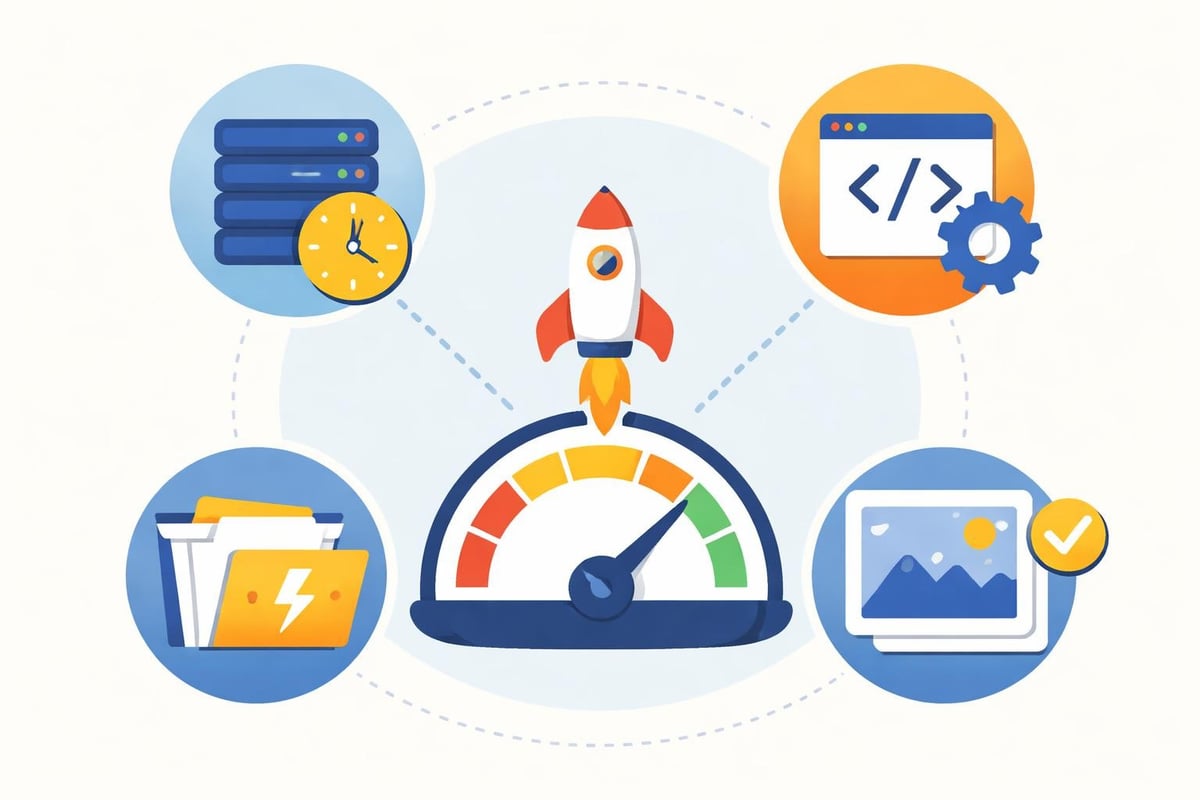
Modern website recommendations emphasize Core Web Vitals, Google's standardized metrics for user experience. Largest Contentful Paint (LCP) measures loading performance, First Input Delay (FID) tracks interactivity, and Cumulative Layout Shift (CLS) evaluates visual stability. Sites must meet these benchmarks to rank competitively.
| Metric | Good | Needs Improvement | Poor |
|---|---|---|---|
| LCP | ≤2.5s | 2.5s-4.0s | >4.0s |
| FID | ≤100ms | 100ms-300ms | >300ms |
| CLS | ≤0.1 | 0.1-0.25 | >0.25 |
Mobile-First Design Principles
Mobile devices account for the majority of web traffic in 2026, making mobile optimization non-negotiable. Responsive design adapts layouts automatically based on screen size, ensuring consistent functionality across all devices.
Touch-friendly interfaces accommodate finger navigation rather than precise mouse clicks. Buttons and links require minimum dimensions of 44x44 pixels, with adequate spacing to prevent accidental taps. Forms should minimize typing through autofill support and appropriate input types.
Navigation and Usability
Mobile navigation must balance comprehensiveness with simplicity. Hamburger menus conserve screen space while providing access to full site architecture. Priority navigation highlights essential pages, making critical information accessible within two taps from any page.
According to website best practices from leading institutions, clear navigation structures reduce bounce rates significantly. Users abandon sites when they cannot quickly locate desired information.
Typography choices affect mobile readability dramatically. Base font sizes should start at 16 pixels minimum, with sufficient line height (1.5 or greater) and contrast ratios meeting WCAG AA standards. Avoid text embedded in images, which becomes illegible on small screens.
Viewport configuration prevents horizontal scrolling, a common frustration for mobile users. The viewport meta tag should specify width=device-width and initial-scale=1 to render content properly across different screen sizes.
Accessibility and Inclusive Design
Accessible websites serve all users regardless of physical abilities or assistive technology requirements. Beyond legal compliance, accessibility expands your potential audience and improves overall user experience.
Technical Accessibility Standards
Semantic HTML provides structure that screen readers interpret correctly. Proper heading hierarchy (H1-H6) organizes content logically, never skipping levels for visual effect. Alt text descriptions enable vision-impaired users to understand image content through text alternatives.
- Keyboard navigation must access all interactive elements
- Color contrast ratios meet WCAG 2.1 Level AA minimums
- Form labels associate clearly with input fields
- ARIA attributes enhance complex interface components
- Skip navigation links allow bypassing repetitive content
Focus indicators show keyboard users their current position on the page. Never disable these visual cues through CSS, as they provide essential navigation feedback. Custom focus styles can replace browser defaults while maintaining visibility.
The comprehensive guidelines from Oregon State University emphasize that accessibility benefits everyone, not just users with disabilities. Captions help people watching videos in sound-sensitive environments, while clear language assists non-native speakers.
Content Strategy and Information Architecture
Strategic content organization separates effective websites from cluttered digital brochures. Information architecture determines how users discover content and complete desired actions.
Hierarchy and Content Grouping
Primary navigation should contain five to seven top-level categories maximum. Additional pages nest within these categories through logical grouping. E-commerce sites might organize by product type, while service businesses often structure around solution categories.
Landing page optimization targets specific user intents rather than attempting to serve all purposes simultaneously. Each page focuses on one primary conversion goal, whether that's form submission, purchase, or content download.
Internal linking connects related content, helping users explore topics in depth while distributing page authority throughout your site. Strategic links guide visitors through conversion funnels while improving search engine discovery of deeper pages. For businesses looking to maximize visibility, understanding how websites rank in Google provides valuable context for content strategy decisions.
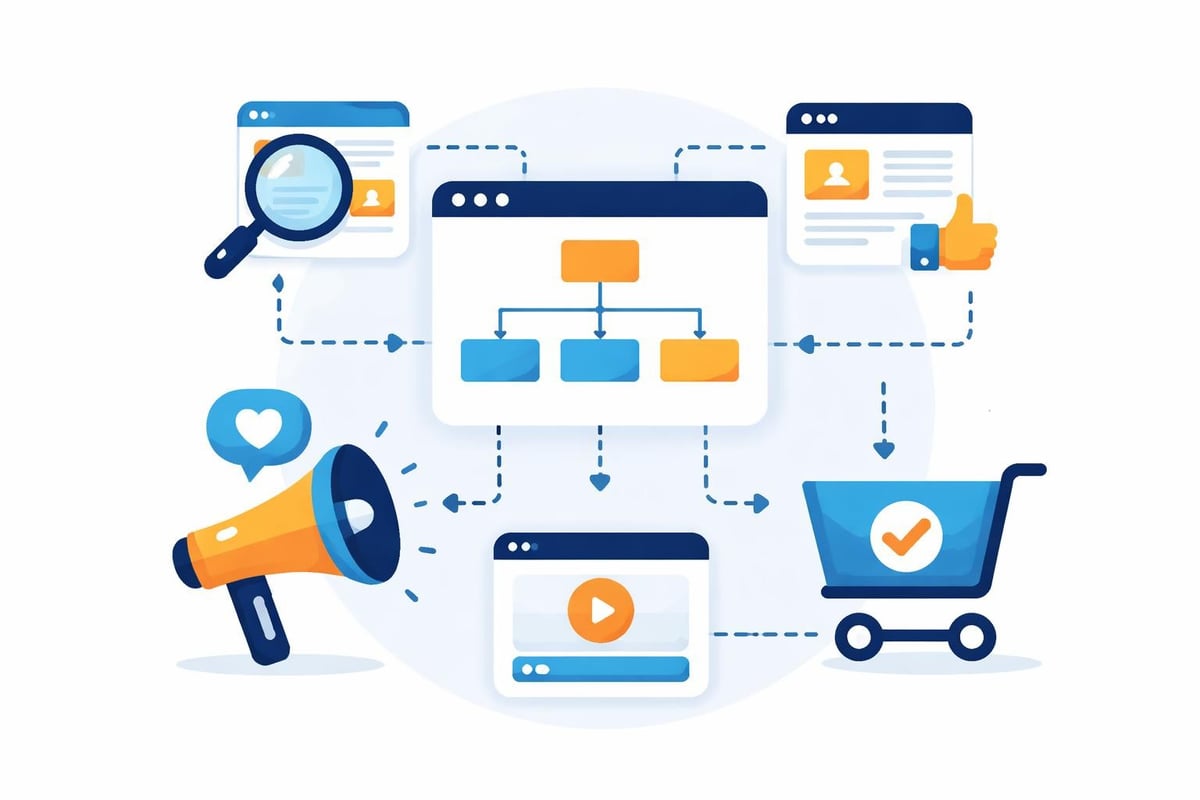
Content freshness signals active management and industry relevance. Regular updates through blog posts, case studies, or resource additions demonstrate ongoing value. Search engines favor sites that consistently publish quality content over static pages that remain unchanged for months.
| Content Type | Update Frequency | Primary Purpose |
|---|---|---|
| Blog Posts | Weekly/Bi-weekly | SEO, Thought Leadership |
| Case Studies | Monthly | Conversion, Trust Building |
| Product Pages | As Needed | Sales, Information |
| Resource Guides | Quarterly | Authority, Link Acquisition |
Search Engine Optimization Integration
Effective website recommendations integrate SEO from initial planning rather than treating it as an afterthought. Technical foundations, content quality, and user experience all contribute to search performance.
On-Page SEO Fundamentals
Title tags remain crucial ranking factors while influencing click-through rates from search results. Each page requires a unique, descriptive title containing primary keywords within the first 60 characters. Meta descriptions, while not direct ranking factors, improve click-through rates when they accurately preview page content.
URL structure should be clean, descriptive, and hierarchical. Avoid dynamic parameters when possible, using readable text that indicates page content. Shorter URLs typically perform better than lengthy strings containing multiple subdirectories.
Schema markup helps search engines understand content context, enabling rich results in search listings. Product schemas display prices and availability, review schemas show star ratings, and FAQ schemas generate expandable panels directly in search results.
The evolution of AI-powered search introduces new optimization considerations. Generative search platforms like ChatGPT and Perplexity prioritize structured, authoritative content that directly answers user questions. Optimizing for these systems requires clear information hierarchy and comprehensive topic coverage.
Security and Trust Signals
Website security protects user data while building credibility with both visitors and search engines. Security vulnerabilities create liability risks and damage brand reputation.
Essential Security Implementations
HTTPS encryption is mandatory for all websites in 2026, not optional. SSL certificates encrypt data transmission between browsers and servers, protecting sensitive information like login credentials and payment details. Search engines penalize sites lacking HTTPS, while browsers display prominent security warnings.
- Regular software updates patch security vulnerabilities
- Strong password policies prevent unauthorized access
- Two-factor authentication adds account security layers
- Regular backups ensure recovery from security incidents
- Firewall protection blocks malicious traffic
Privacy policies must clearly explain data collection practices and comply with regulations like GDPR and CCPA. Cookie consent mechanisms allow users to control tracking preferences. Transparent privacy practices build trust while avoiding legal complications.
Trust badges from security providers, industry associations, or payment processors reassure visitors about site legitimacy. Display these prominently on conversion pages without cluttering the design. Real customer reviews provide social proof, particularly for e-commerce and service businesses.
Visual Design and Brand Consistency
Professional design communicates quality and attention to detail before visitors read a single word. Consistent visual language reinforces brand recognition across all customer touchpoints.
Design System Development
Color palettes should contain three to five primary colors with defined use cases. Primary colors dominate the design, secondary colors provide contrast, and accent colors highlight calls to action. Sufficient contrast between text and backgrounds ensures readability.
Typography systems establish visual hierarchy through font weight, size, and spacing variations. Limit typefaces to two or three maximum: one for headings, one for body text, and optionally one for special elements. Consistency in typographic choices creates professional polish.
White space prevents visual overwhelm and directs attention to priority elements. Dense layouts feel cluttered and confusing, while strategic spacing creates breathing room. Margins, padding, and line spacing contribute to overall visual comfort.
When building a new site, partnering with experts who understand both design aesthetics and search performance delivers superior results. Web Design services that integrate AI-powered development processes launch custom, high-performance websites faster without sacrificing quality.
The recommendations from University of Rochester highlight the importance of consistent branding across all website elements, from color choices to image styles and tone of voice.
Conversion Optimization Tactics
Driving traffic without converting visitors wastes marketing investment. Conversion-focused design guides users toward desired actions through strategic element placement and persuasive copy.
Call-to-Action Strategy
Primary CTAs should stand out through contrasting colors, prominent placement, and action-oriented copy. Generic phrases like "Submit" or "Click Here" underperform compared to specific, benefit-driven alternatives like "Get Your Free Audit" or "Start Your Trial."
- Position CTAs above the fold on critical pages
- Repeat CTAs at natural decision points throughout content
- Use directional cues like arrows to draw attention
- Test CTA button colors against your color palette
- Ensure mobile CTAs remain accessible with thumbs
Form optimization reduces friction in the conversion process. Only request essential information, using progressive disclosure for complex processes. Real-time validation prevents submission errors, while clear error messages help users correct issues quickly.
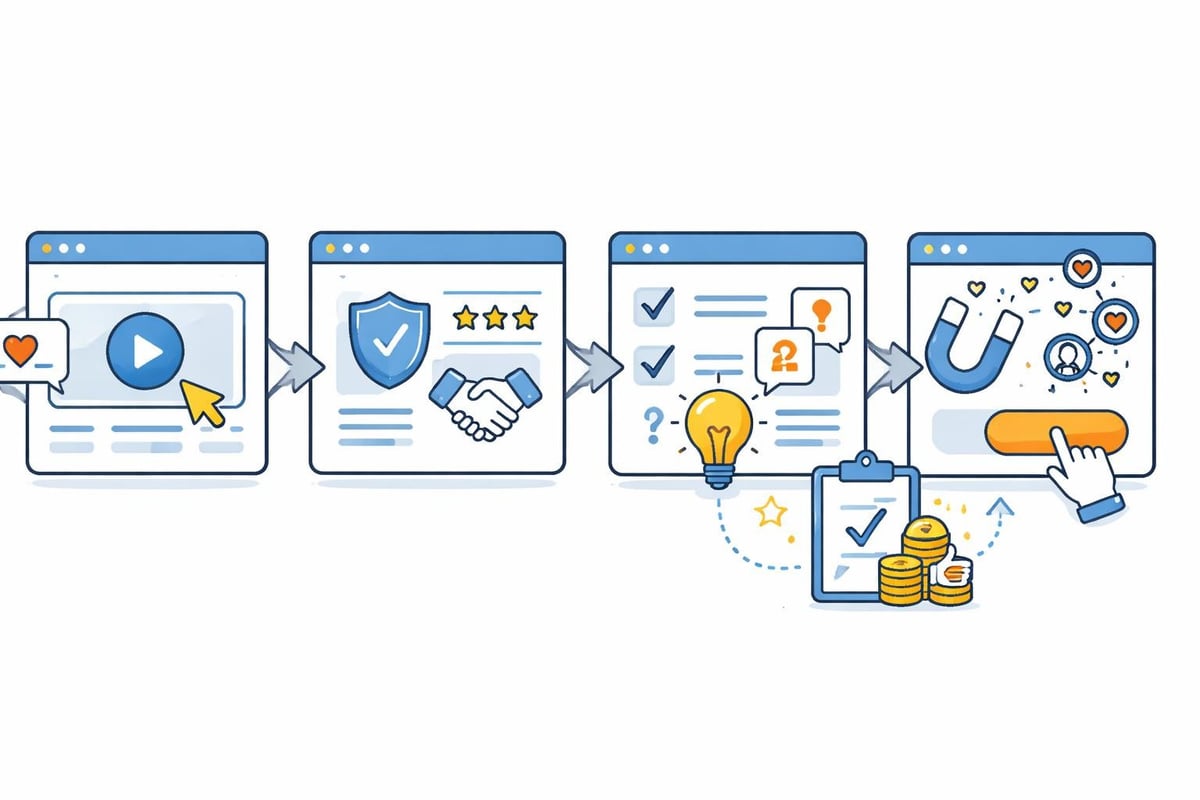
Trust indicators near conversion points address objections at critical moments. Money-back guarantees, free trial offers, and testimonials from similar customers reduce perceived risk. Exit-intent popups capture abandoning visitors with special offers or value propositions.
| Conversion Element | Purpose | Placement |
|---|---|---|
| Hero CTA | Immediate action | Above fold, center |
| Social Proof | Build credibility | Near conversion forms |
| Value Proposition | Communicate benefits | Hero section |
| Objection Handlers | Reduce hesitation | Pre-purchase pages |
Analytics and Continuous Improvement
Data-driven optimization separates guesswork from strategic improvement. Regular analysis identifies what works and reveals opportunities for enhancement.
Measurement Framework
Goal tracking in analytics platforms quantifies business outcomes. Define specific, measurable goals for each conversion type: contact form submissions, purchases, downloads, or newsletter signups. Track completion rates and identify drop-off points in conversion funnels.
User behavior analysis reveals how visitors actually interact with your site versus designer intentions. Heatmaps show click patterns and scroll depth, while session recordings capture individual user journeys. These insights guide layout improvements and content prioritization.
The best practices outlined by design experts emphasize iterative improvement based on performance data rather than assumptions about user preferences.
A/B testing compares design variations scientifically, determining which performs better for specific metrics. Test one element at a time: headlines, images, button colors, or layout arrangements. Sufficient sample sizes ensure statistical significance before implementing changes permanently.
Site search data indicates what visitors seek but cannot find through navigation. High-volume search queries suggest missing content or navigation deficiencies. Creating dedicated landing pages for frequent searches improves user satisfaction while capturing additional organic search traffic.
Technical SEO and Site Health
Beyond visible design elements, technical factors determine search engine accessibility and ranking potential. Regular technical audits prevent issues that hinder performance.
Crawlability and Indexation
XML sitemaps provide search engines with a complete site roadmap, ensuring all important pages get discovered. Update sitemaps automatically when publishing new content, and submit them through search console tools. Understanding your site structure through tools like your sitemap helps identify potential crawl issues.
Robots.txt files control crawler access to specific sections while blocking duplicate content or administrative pages. Misconfigured robots.txt can accidentally block entire sites from search engines, making regular verification essential.
Canonical tags specify preferred versions when similar content exists on multiple URLs. E-commerce sites often create duplicate content through filtering and sorting options, requiring canonical tags to consolidate ranking signals.
According to advanced research on recommendation systems, modern algorithms increasingly focus on comparative evaluation rather than absolute ratings, which applies to how search engines assess relative content quality across competing pages.
Structured data implementation through JSON-LD format enables search engines to understand content relationships and entity connections. This powers rich results, knowledge panels, and increasingly, AI-generated responses that incorporate your content.
Platform and Technology Selection
Choosing appropriate platforms and technologies impacts long-term flexibility, maintenance costs, and performance capabilities. Match technology decisions to business requirements rather than following trends.
Content Management Systems
Modern CMS platforms balance ease of use with customization flexibility. WordPress dominates market share through extensive plugin ecosystems, while headless CMS solutions like Contentful separate content management from presentation layers for maximum flexibility.
- Evaluate total cost of ownership including hosting and maintenance
- Consider learning curve for non-technical team members
- Assess plugin/extension availability for required functionality
- Review security track records and update frequency
- Verify scalability for anticipated growth
E-commerce platforms must handle product catalogs, inventory management, payment processing, and shipping integrations. Shopify offers turnkey solutions for small to medium businesses, while WooCommerce and Magento provide greater customization for complex requirements.
The insights from Sugar Pixels' web design practices emphasize selecting technology stacks that support long-term business goals rather than temporary convenience.
International and Multilingual Considerations
Global businesses require careful planning for multilingual content and regional variations. Technical implementation affects both user experience and international search performance.
Language and Regional Optimization
Hreflang tags specify language and regional variations of content, preventing duplicate content issues while serving appropriate versions to international users. Implement hreflang correctly at the page level, indicating all language alternatives including the current page.
Translation quality significantly impacts credibility in international markets. Avoid automated translation for critical content, investing instead in native speakers who understand cultural nuances and industry terminology. Poor translations damage brand perception and reduce conversion rates.
Regional hosting or CDN usage reduces latency for international visitors. Users in Asia experience slow load times when accessing servers located exclusively in North America. Content delivery networks cache content globally, serving files from geographically proximate servers.
Currency display, date formats, and measurement units should adapt automatically based on visitor location. Forcing international visitors to convert currencies mentally or interpret unfamiliar formats creates unnecessary friction in the user experience.
Implementing comprehensive website recommendations requires balancing multiple priorities simultaneously: user experience, search visibility, conversion optimization, and technical performance. Success comes from treating websites as strategic assets requiring continuous refinement rather than one-time projects. The digital landscape evolves constantly, with AI-powered search, voice interfaces, and changing user expectations demanding ongoing adaptation. Creotivity specializes in building modern websites engineered for visibility across both traditional search engines and emerging AI platforms, combining strategic design with technical excellence to help businesses attract and convert customers in 2026's competitive digital environment.